

Ages ago, when I worked in consumer credit reporting for a company called Trans Union — it was two words back then, or just “TU” — I learned a pretty valuable phrase: “Garbage in, garbage out.” The idea was that we needed better data in order to give our customers better decision-making capabilities. The worse the data, the worse the decisions.
Apply that premise now to Artificial Intelligence, that “AI” that has become ubiquitous (AND can make half of your audience wonder, thanks to sans-serif fonts, whether that second letter is an “i” or if you’re talking about a guy named “Al”). The worse your “prompt” for the machine, the worse your machine learns about what you want, and the worse the result. Garbage in, garbage out.
Or…Absurdity in, absurdity out.
Enter the Bing AI Generator
It works pretty simply. You sign up on Bing — Microsoft’s search engine, you’ve heard of it, name allegedly stands for “Because It’s Not Google” — and you enter the information and out spits a series of images (up to four if you’re lucky; most of the time I get four but sometimes I get just one) and you decide whether you like them and you download them and you’re off to the races.
So, as I wrote this, I thought I’d just create something really random:
“Canadian all-female kazoo orchestra performing in the streets of Toronto.”
And this was one of the resulting images:
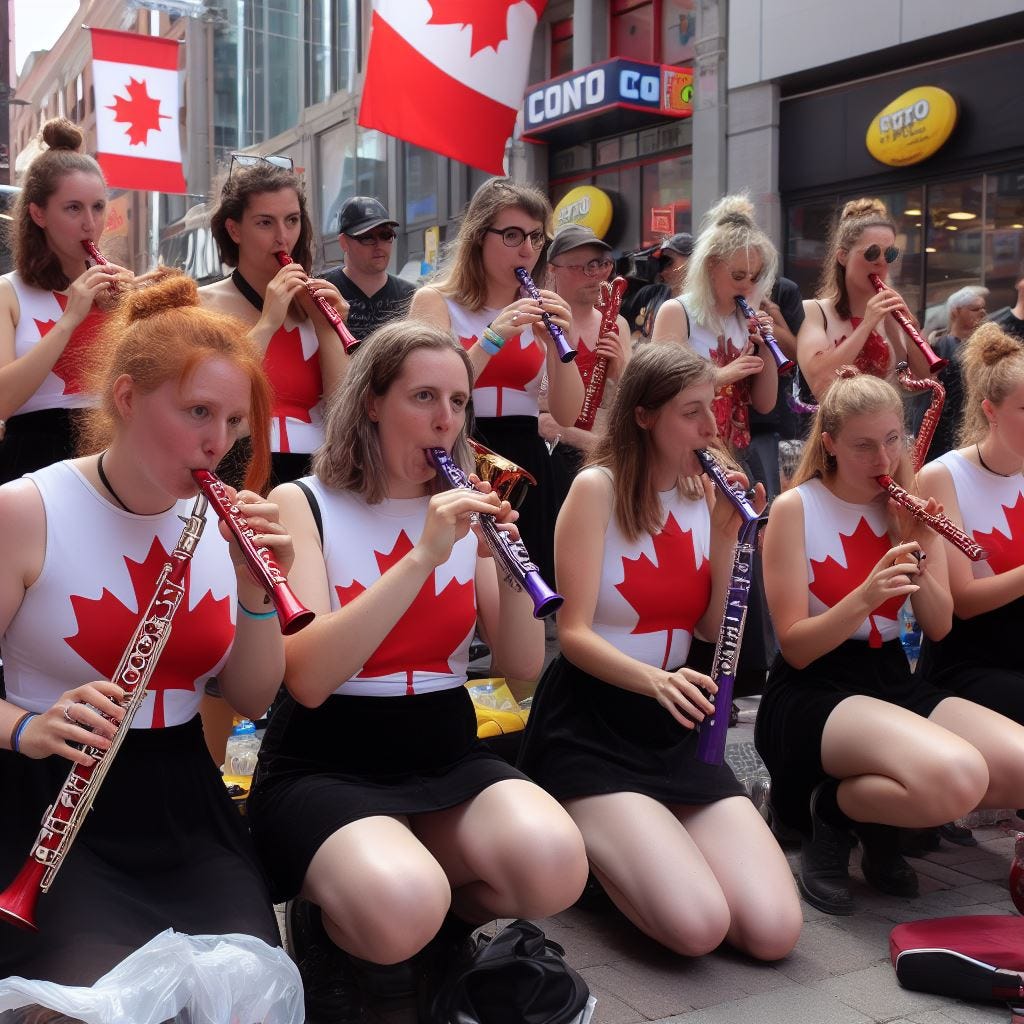
Apologies to any of my Canadian readers if you recognize yourself in this image. Apologies also to any of my Canadian readers if you own a kazoo.
Yes, That’s Absurd. But Wait, There’s More!
I’ve played around enough with this tool for the past five weeks that you might wonder if I have an addiction. Or a problem. But no, gentle reader, I do not. I am training the machine, and my goal is to get as absurd as I possibly can with these requests.
So here’s a Top Ten. Thank me later.
10. The ‘X Bio Thing’
This was actually my very first experiment. You’re supposed to take your X (Nee Twitter) Bio and type it in and see what comes up. I liked this the best.
That’s the bio and here’s the resulting image.
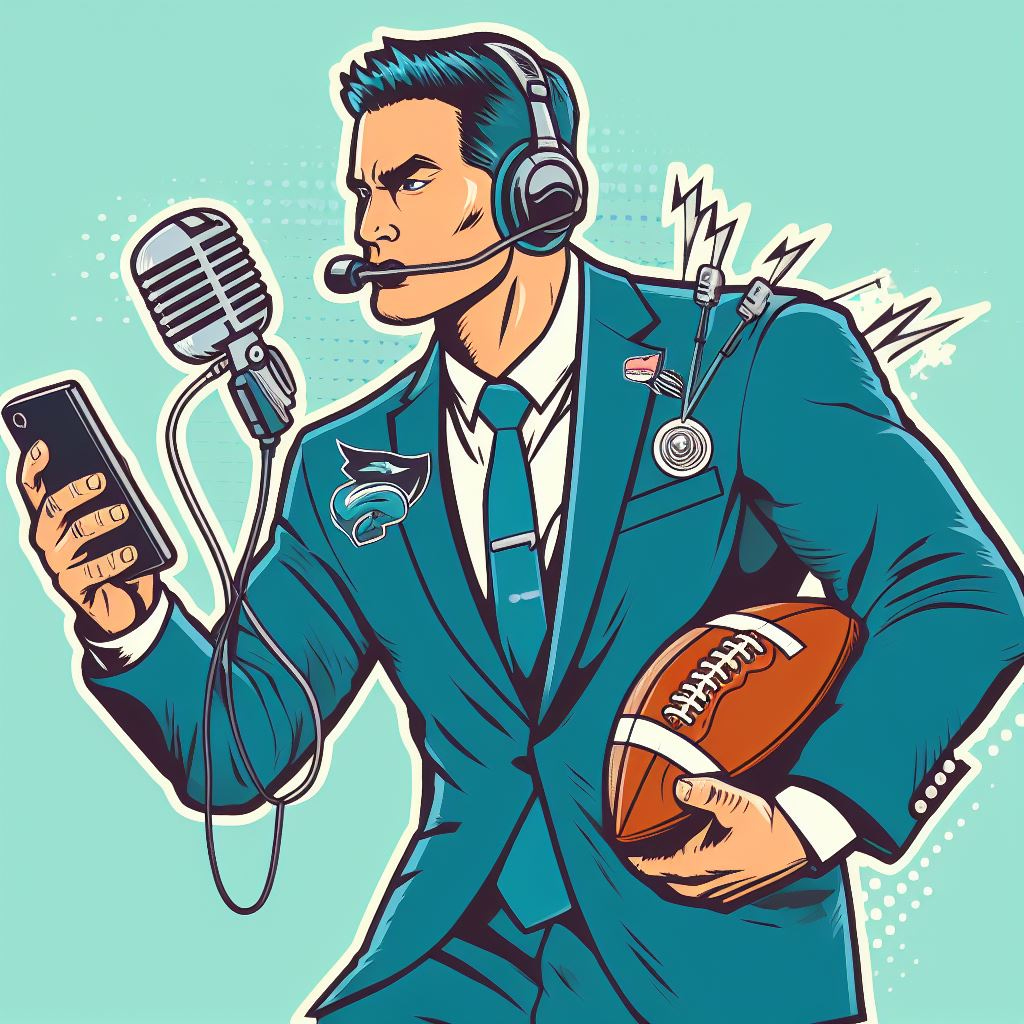
9. “Paris Street, Rainy Day, But With Cell Phones”
As my prompts started to get better, I started asking more direct questions of the machine. Such as “Create a painting in the style of Gustav Caillebotte’s ‘Paris Street, Rainy Day,’ but with everyone looking at their mobile phones.”
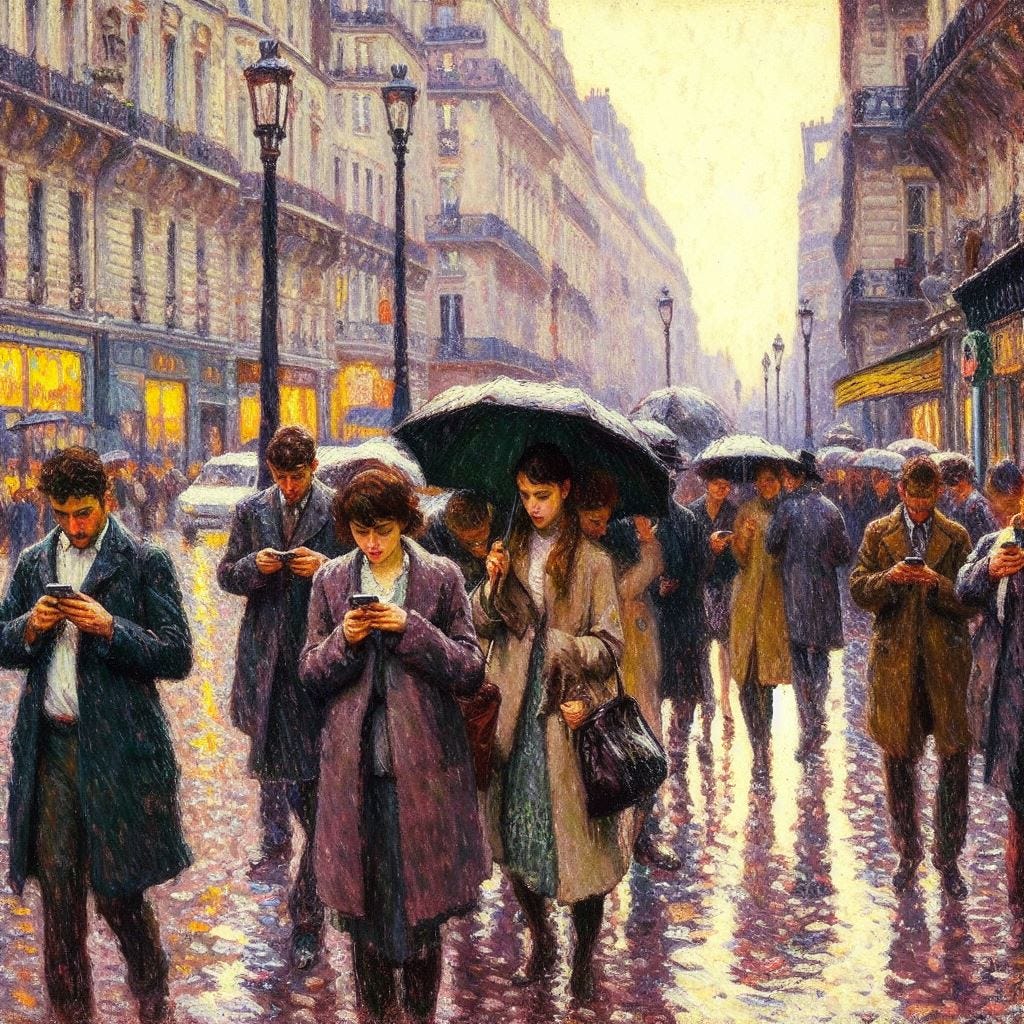
(Note: if you ever have the chance, get to the Art Institute Chicago and see the real thing. It’s roughly 7 feet by 10 feet and amazing.)
8. Soviet Propaganda Gone Awry
Prompt: “Create a Soviet propaganda poster that invites readers to eat black licorice and candy corn.”
Result:
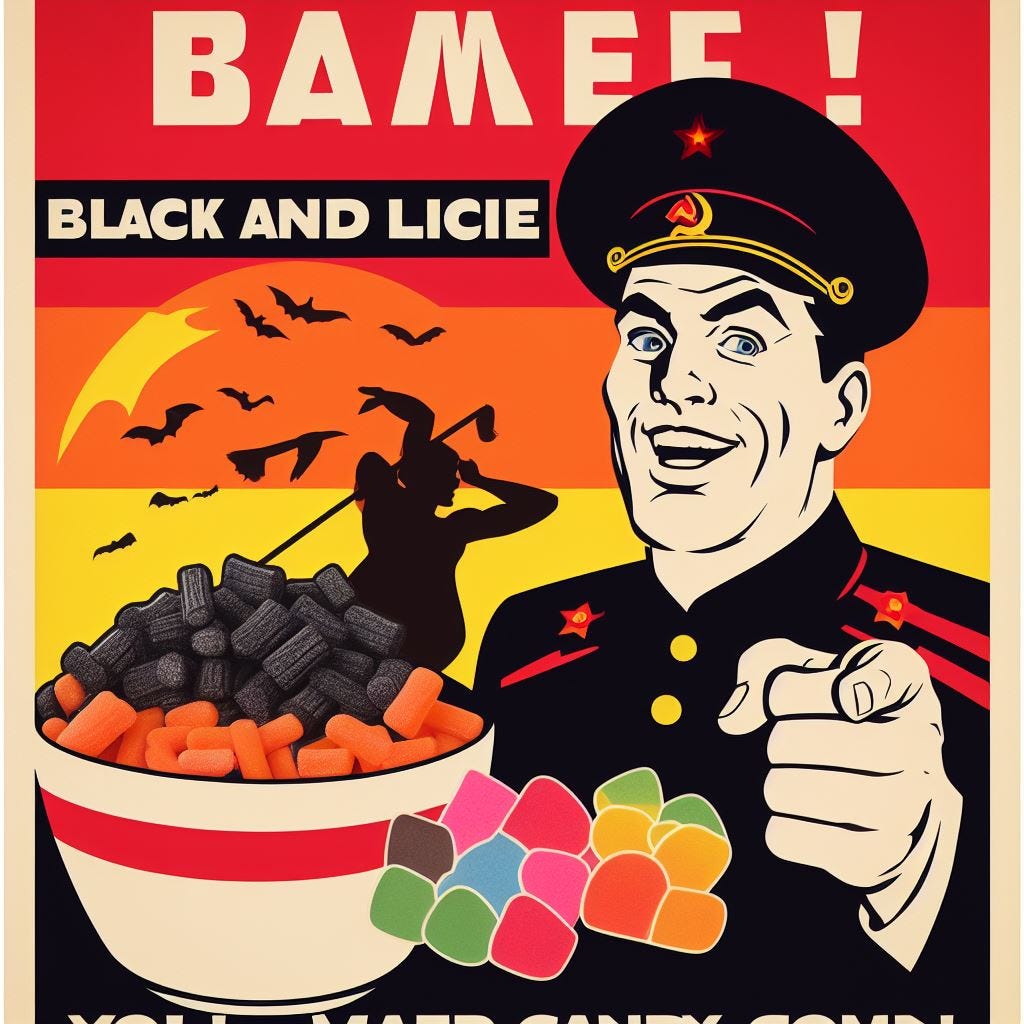
Not sure what it’s trying to say at the bottom, so here’s another from the collection.

Also note that the Soviet Union did not have skyscrapers. And black licorice did not come in a multi-pack that made it look like a cross between cigarettes and Slim Jims.
Bonus Content: Sportsball
Two prompts that I loved:
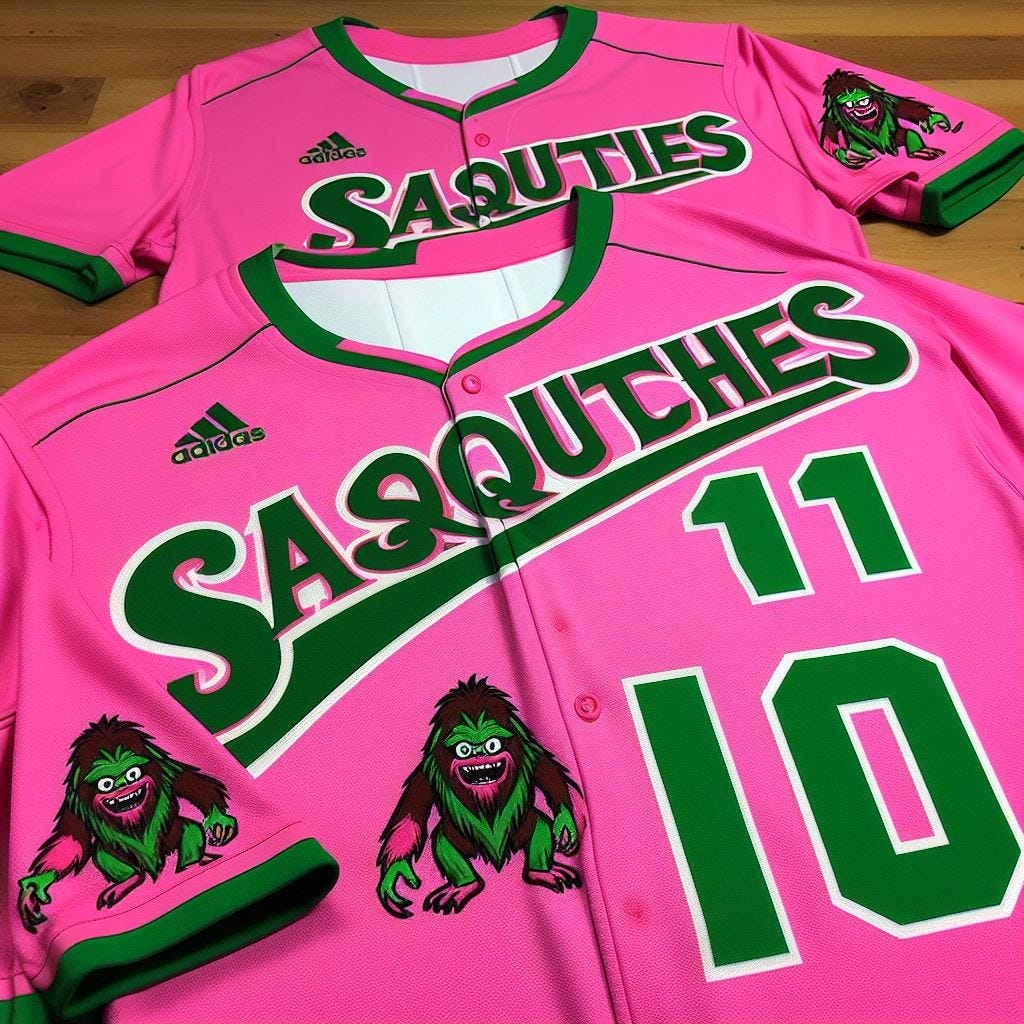
“Create a uniform for a baseball team called the ‘Sasquatches’ using the colors pink and green.”
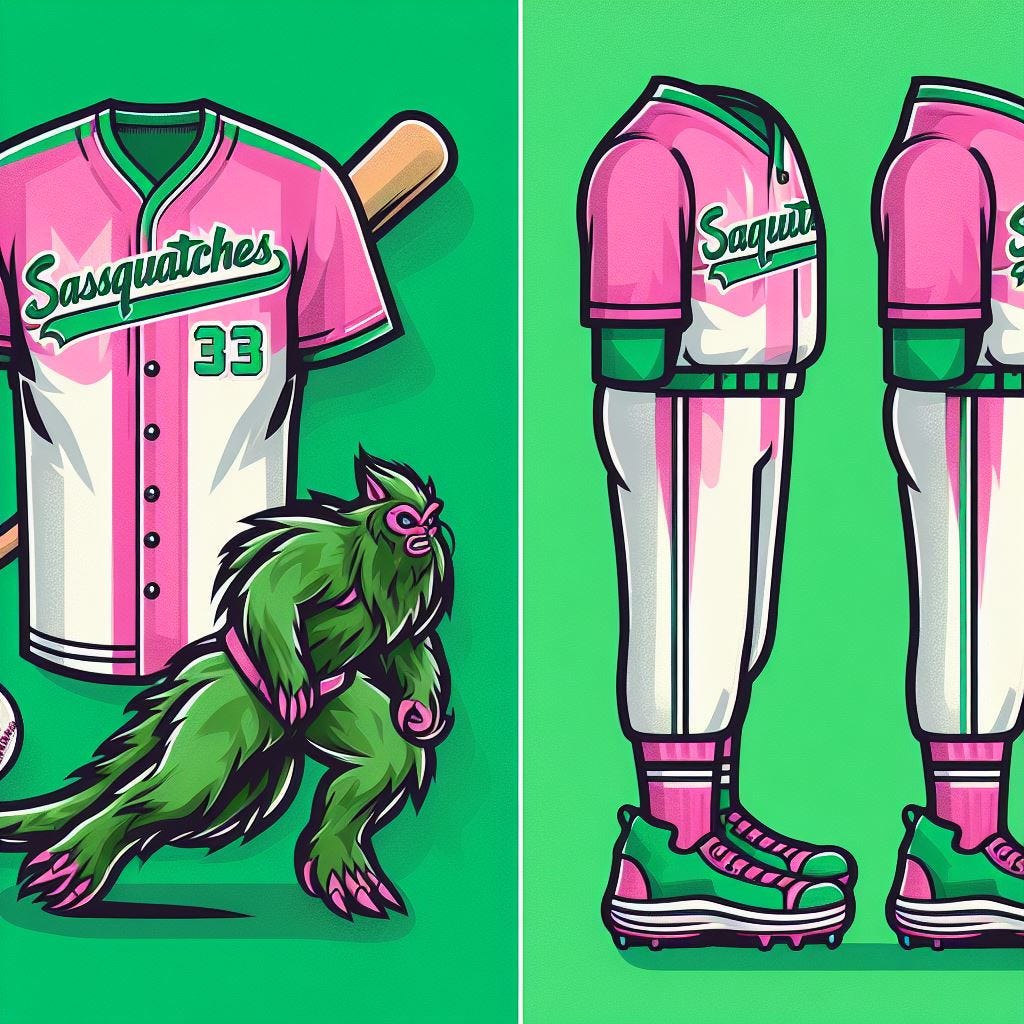
AI can’t spell, which we’ll continue to see with future content, but get a load of the mascot!
Also this one popped up:
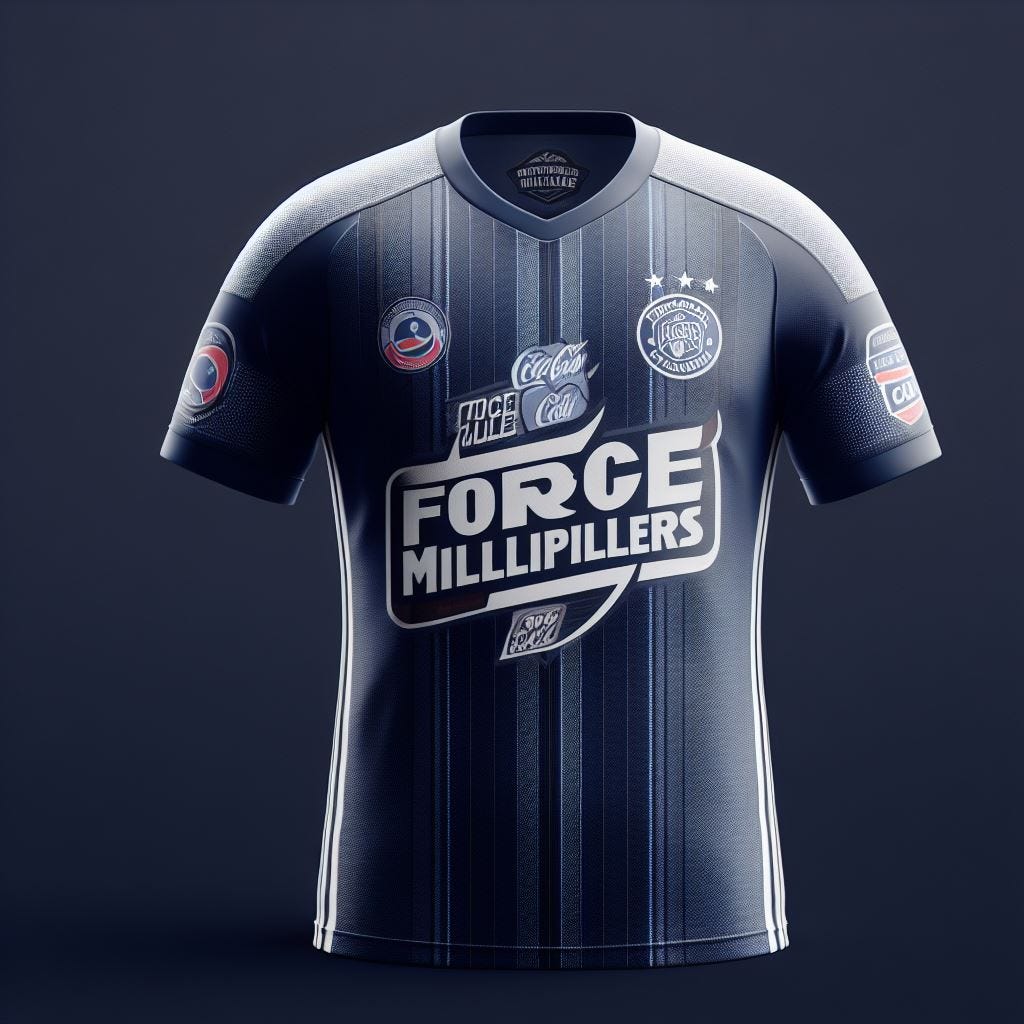
Then there was the prompt for this “Create a uniform for a team called the ‘Force Multipliers’ and with jersey sponsor ‘Cola.’”
7. An Enchanting Visit To…
Prompt: “Create an art deco-style travel poster inviting people to visit a place called ‘Colonoscopy.’”
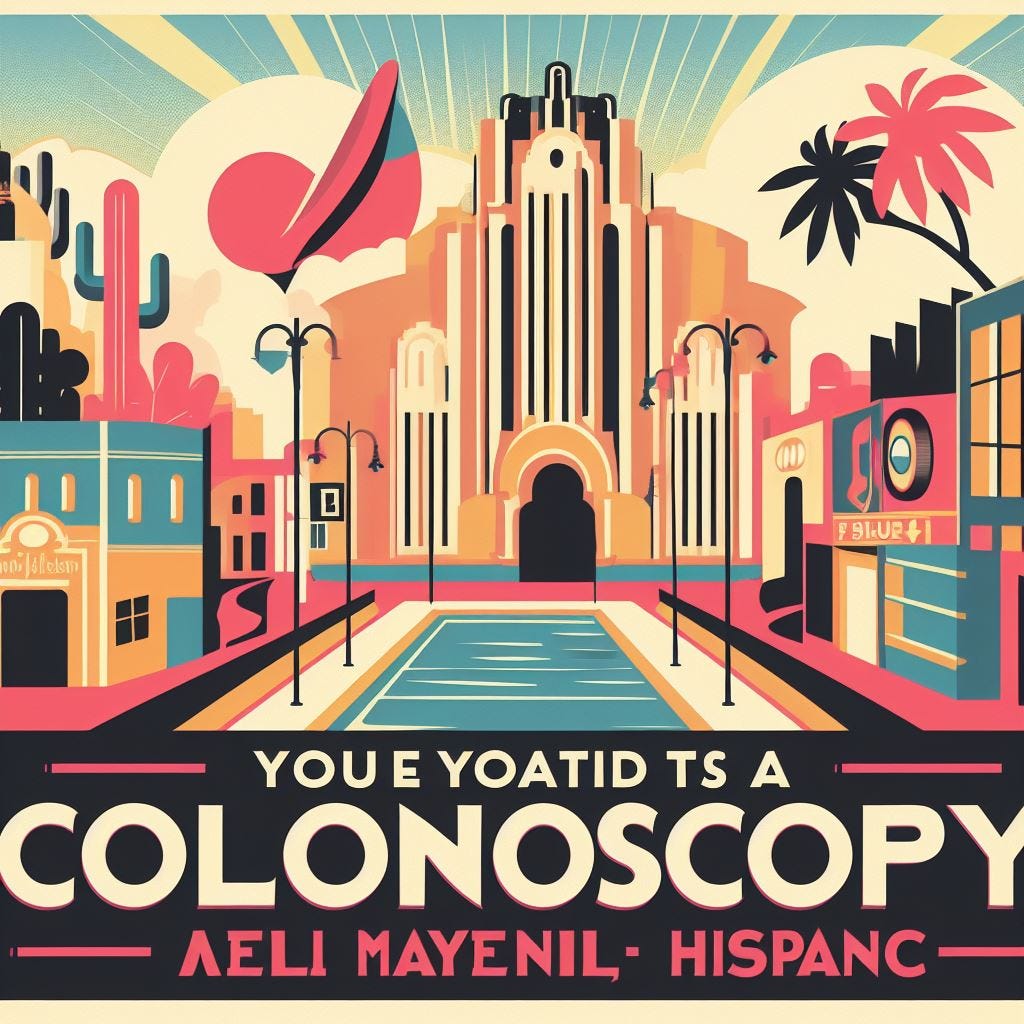
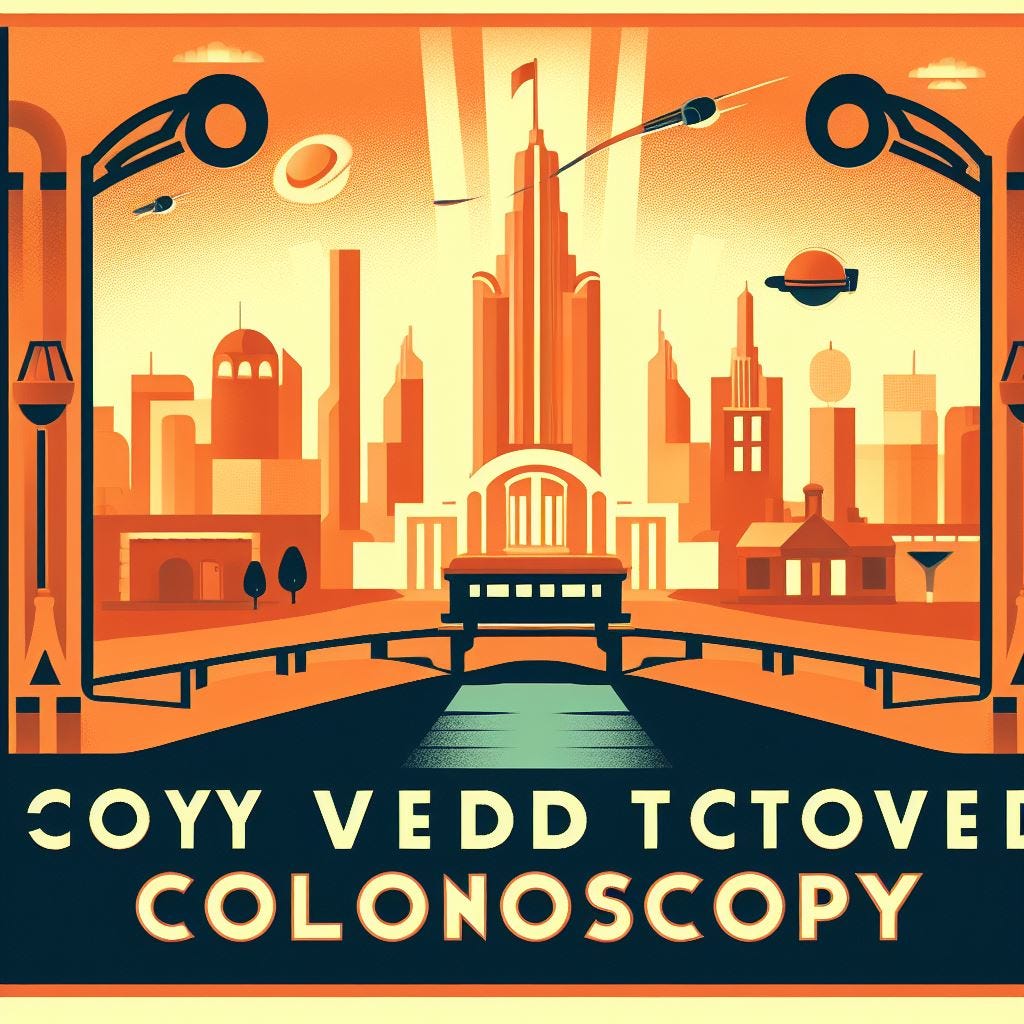
(Wait, 2-for-2 in the spelling department? What gives?)
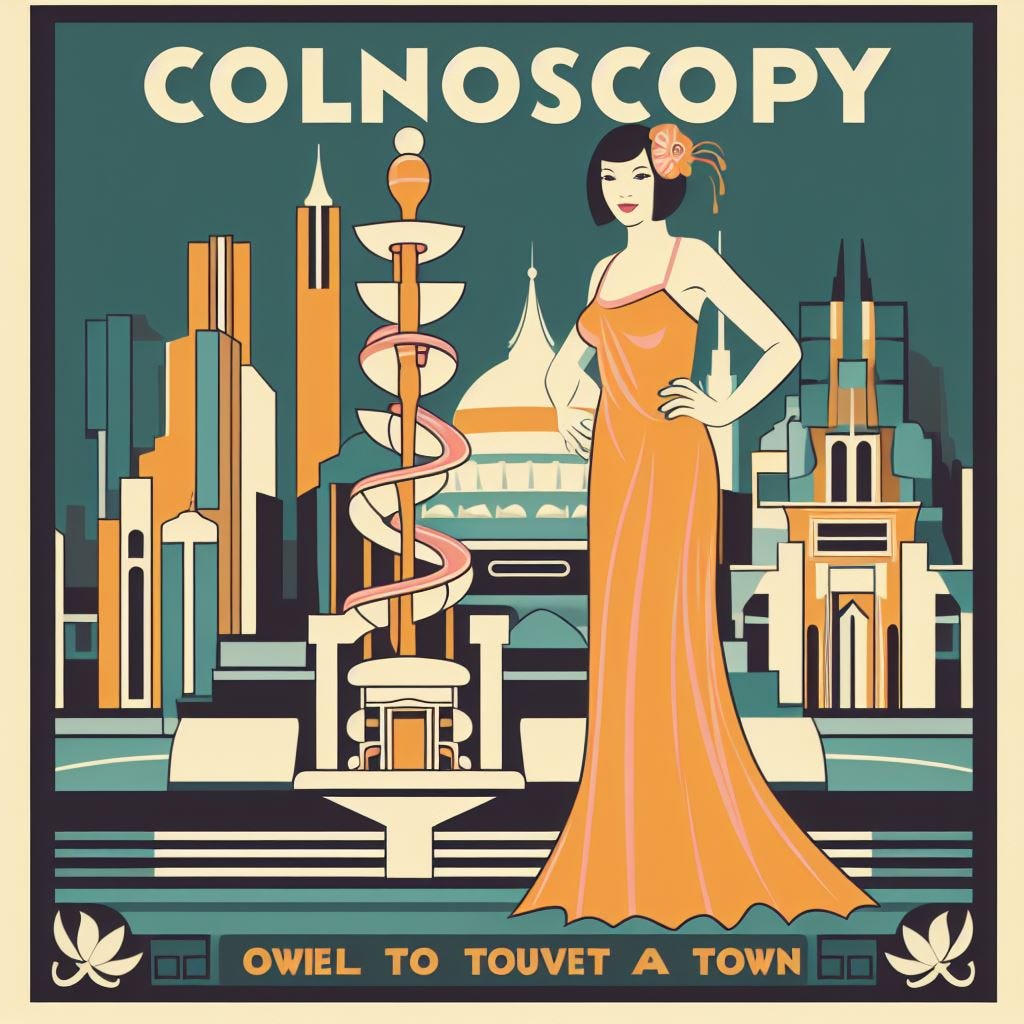
Ah.
Part Two coming tomorrow.